10 Best Free AI Tool Stacking Resources 2026 (Zero-Cost Guide)
Most people pick one AI chatbot and force it to do everything: research, writing, design, even spreadsheets. It works for a while, and then the free limit hits at the worst possible moment. Tool stacking fixes that. In this guide, you will find the 10 best free AI tool stacking resources 2026, with simple ways to combine them so each tool does only the job it is good at.
Quick answer: A good free AI stack for most people uses Perplexity for research, NotebookLM for reading your own documents, Gemini, ChatGPT or Claude for writing, Canva for design, and Make for automation. The 10 best free AI tool stacking resources 2026 below add Grammarly, GitHub Copilot Free and Google AI Studio for editing and coding. All of them have a free plan, but limits change, so check each official page.
Want more practical guides like this? Browse our AI category on PHD News.
Table of Contents
What Is AI Tool Stacking?
AI tool stacking simply means using several AI tools together in a fixed order. One tool finds information, another organizes it, another writes the draft, another makes the image. Think of a kitchen: you do not cook everything in one pan. The same logic applies to the 10 best free AI tool stacking resources 2026 in this list.
The biggest benefit is that free limits last longer, because your work is spread across tools instead of burning through one account.
Why Stacking Works Better Than One Tool
Every free plan has a cap. When you rely on one tool, you hit it fast. When you split the work, you rarely hit any cap at all. That is the main reason the 10 best free AI tool stacking resources 2026 are worth learning. Plus, if a provider changes or removes its free plan, you swap one tool and carry on, instead of rebuilding your whole routine.
A quick warning before we start: free plans change often. Models get replaced, limits get tighter, and features move behind a paywall. Check each tool’s official page before you depend on it for client, academic or business work.
How These Tools Were Chosen
To keep this list useful and honest, each tool had to meet four simple conditions:
- It has a free plan or free tier at the time of writing.
- It comes from an established provider with an official website.
- It does one job clearly, so it fits into a stack without overlapping too much.
- It can be used by beginners, without coding or a paid subscription.
Free plans change often, so treat this as a starting point and check each official page before you commit.
Which Free AI Tool Should You Use for Each Job?
- Research with sources: Perplexity
- Reading your own PDFs and notes: NotebookLM
- Brainstorming and first drafts: Gemini or ChatGPT
- Long-form editing: Claude
- Graphics and social posts: Canva
- Grammar and tone check: Grammarly
- Coding practice: GitHub Copilot Free
- API experiments: Google AI Studio
- Automation: Make
The 10 Best Free AI Tool Stacking Resources 2026
Here is each tool, what it is best at, and how to use it inside a stack. The sample prompts are starting points, so change them to fit your own work.
1. Google Gemini: your all-purpose starting point
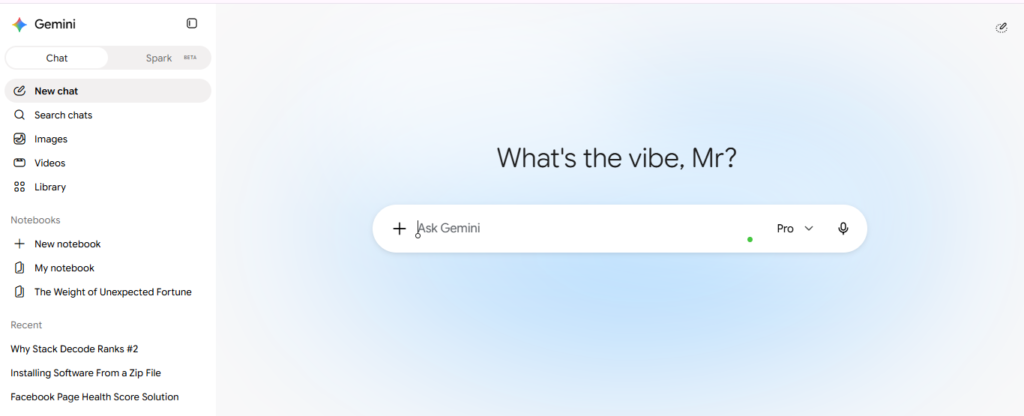
Google Gemini is a free general assistant for brainstorming, summaries, first drafts and everyday questions. All you need is a Google Account, though model access and limits can differ by account and country.
2. Perplexity: research with sources you can check
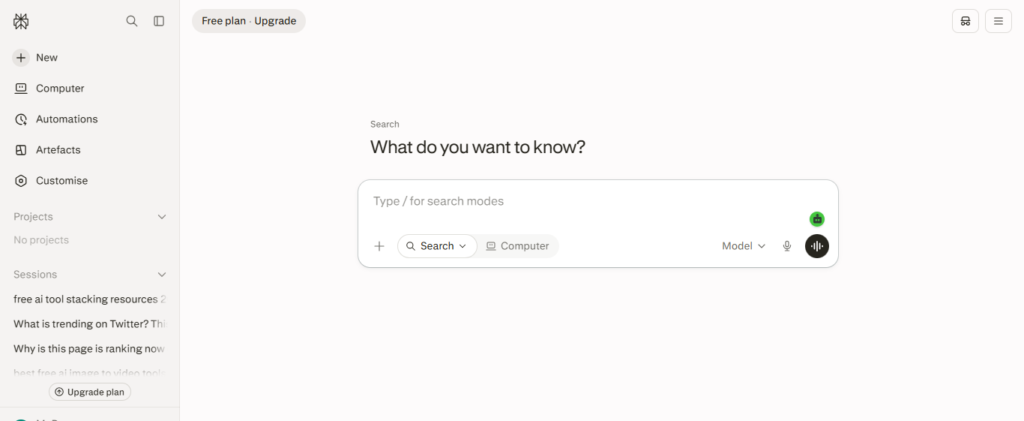
Perplexity gives answers along with links to the sources it used. That makes it a good first stop when you are researching a topic. But do not treat it as final truth. Open the links and confirm anything important before you publish it.
3. NotebookLM: chat with your own documents
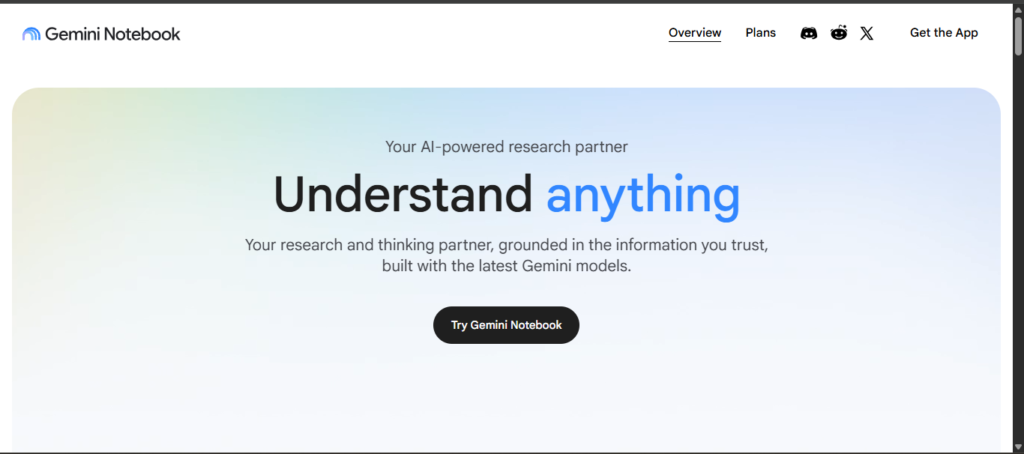
NotebookLM lets you upload PDFs, articles and notes, then ask questions based on those files. It is great for long papers, scholarship guidelines or study material. Still, AI can misread a document, so check important answers against the original. The free plan has limits on sources and outputs, so read Google’s current plan details before starting a big project.
Students and researchers may also like our guide on the Google Student Researcher Program 2026.
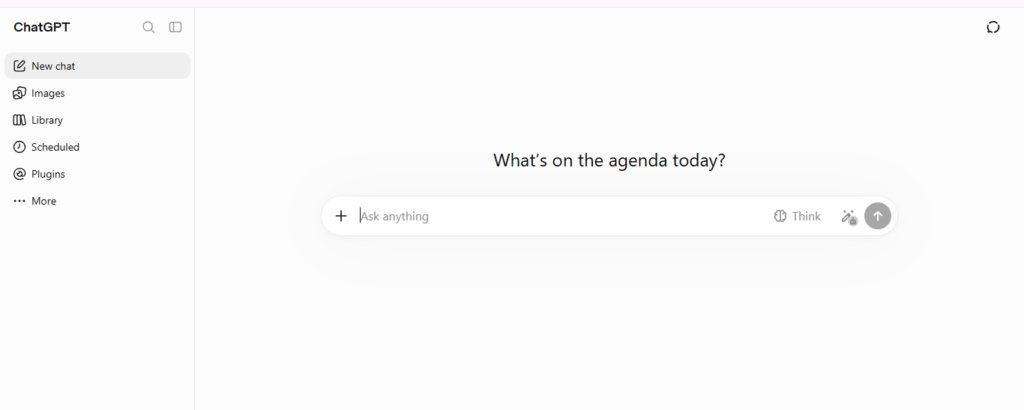
4. ChatGPT: quick drafts and everyday writing
The free version of ChatGPT is handy for emails, captions, product descriptions and brainstorming. Message limits and model access can change, so treat it as a helper, not the backbone of a business process.
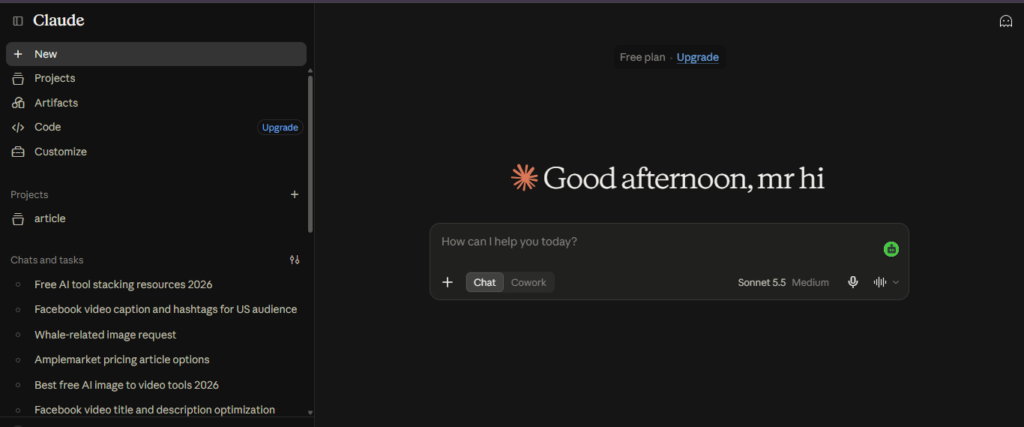
5. Claude: careful long-form writing and editing
Claude is a good fit when you have a long draft to tighten, summarize or restructure. Free usage is limited, so save it for the tasks where careful wording matters most.
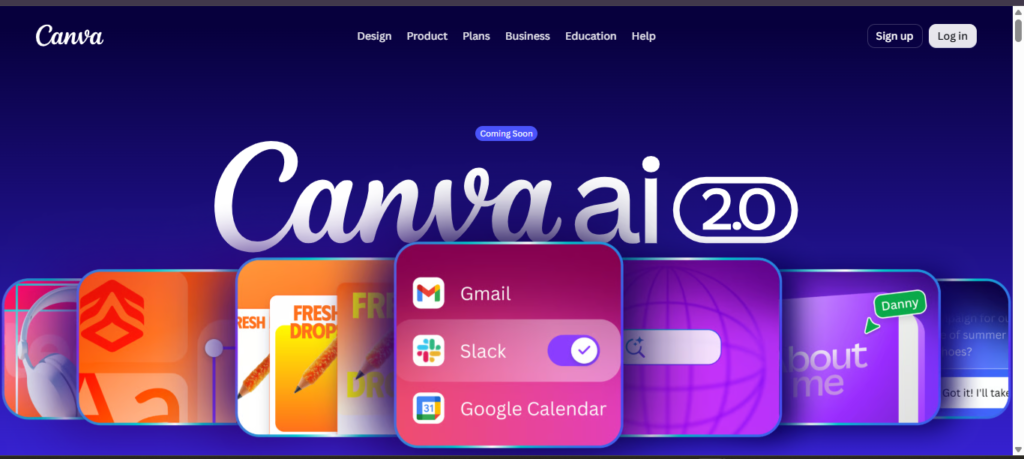
6. Canva: graphics without a designer
Canva has a free plan with basic design tools and some AI features. It covers thumbnails, Instagram posts, simple presentations and blog images. Some templates and AI features need a paid plan, so check what is included before you plan around it.
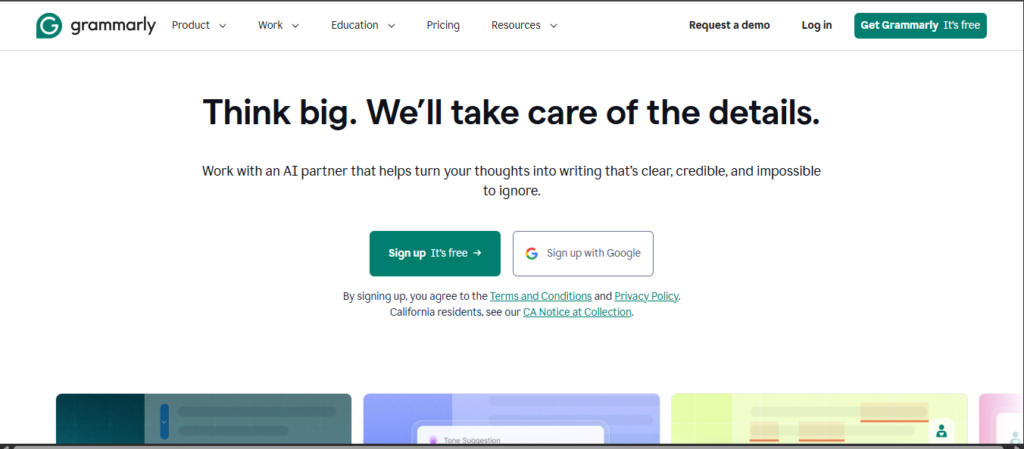
7. Grammarly: the last polish
Grammarly catches grammar slips, awkward phrasing and tone issues after your draft is done. Treat its suggestions as suggestions. Accept the ones that sound like you, and ignore the rest.
8. GitHub Copilot Free: coding help for individuals
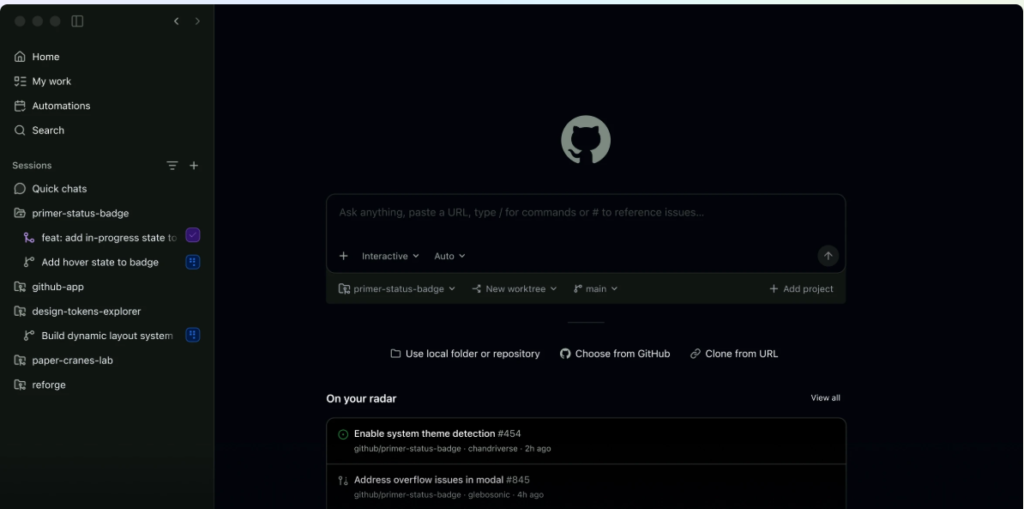
GitHub Copilot Free gives individual developers limited AI help inside their code editor. According to GitHub’s plan documentation, the free plan is capped at 2,000 code completions per month, includes an allowance of AI credits, and uses auto model selection only. It is a good way to learn and to build small personal projects. For client work, read the latest terms first.
9. Google AI Studio: free experiments with the API
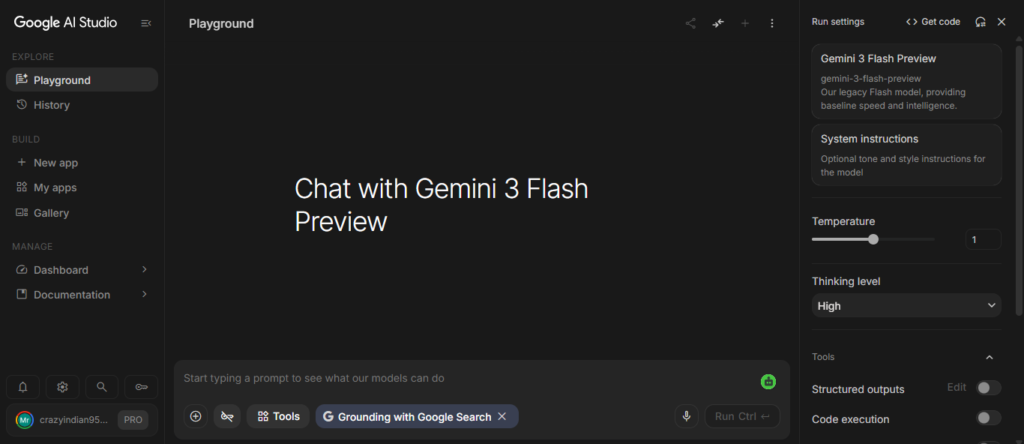
Google AI Studio is a simple place to test Gemini models and prototype AI features. Developers can also look at Groq, OpenRouter and Hugging Face, but limits, sign-up rules and commercial terms differ for each.
One common mistake: a free chatbot plan does not automatically mean free API usage. Check API pricing and quotas separately.
10. Make: automate the boring steps
Make connects apps like forms, spreadsheets and email, and its free tier is enough to test simple automations. For example, a new form entry can land in a Google Sheet, and a draft reply can be prepared automatically. Free operations are limited, so if your workflow grows, compare it with Zapier or the self-hosted n8n.
10 Best Free AI Tool Stacking Resources 2026 at a Glance
| Tool | Best for | Watch out for |
|---|---|---|
| Gemini | General chat and brainstorming | Limits vary by account |
| Perplexity | Research with sources | Always open the sources |
| NotebookLM | Reading your own documents | Source and output limits |
| ChatGPT | Quick drafts and ideas | Usage limits can change |
| Claude | Long-form editing | Limited free usage |
| Canva | Graphics and posts | Some features are paid |
| Grammarly | Final editing | Advanced suggestions may be paid |
| GitHub Copilot Free | Coding practice | 2,000 completions per month |
| Google AI Studio | API experiments | Quotas and billing differ |
| Make | Simple automation | Limited free operations |
Four Ready-Made Stacks You Can Copy Today
You do not need all ten tools at once. Here is how the 10 best free AI tool stacking resources 2026 can be combined for different kinds of work.
For students and PhD applicants
Flow: Perplexity to find sources, then NotebookLM to read and compare them, Claude or ChatGPT to shape an outline, Grammarly for the final language check, and Canva if you need a presentation. Our PhD scholarship guides can help you plan the applications themselves.
One rule: never let AI invent citations, results or personal stories. Open each paper yourself.
For bloggers and SEO writers
Flow: Perplexity for research, Gemini for the outline, ChatGPT or Claude for a rough draft, Grammarly for editing, Canva for the featured image. Then add your own experience and examples, because that is what makes a post worth reading.
For small business owners
Flow: Gemini or ChatGPT for product descriptions and captions, Canva for creatives, Make or Zapier to collect form enquiries in a spreadsheet. If customers message you on WhatsApp or Instagram, check the official integration and privacy rules before automating any replies. Rules differ between India, the USA and other countries, so do not assume one setup fits every market.
For beginner developers
Flow: GitHub Copilot Free in your editor, Google AI Studio for prompt and API tests, Hugging Face or Ollama for exploring open models. Keep API keys in environment variables, and never paste them into a public repository or a chat window.
Build Your Own Stack in 5 Steps
- Write down your repeated tasks. Research, writing, design, coding, replies.
- Pick one tool per task from the 10 best free AI tool stacking resources 2026 above. Not three.
- Decide the order. For example: research, draft, edit, design, publish.
- Save your best prompts in a document, so you can reuse them anywhere.
- Review once a month. If a tool loses its free plan, replace it.
Mistakes That Waste Your Free Limits
- Pasting private client data, passwords or confidential files into a free tool without reading its privacy policy.
- Publishing AI output without checking facts, especially on news, health, legal or money topics.
- Building a whole business process around one free feature that could disappear.
- Using so many tools that you spend more time switching than working.
Final Thoughts on the 10 Best Free AI Tool Stacking Resources 2026
The best stack is usually a small one: one tool for research, one for writing, one for design and one for automation. Start with three tools from the 10 best free AI tool stacking resources 2026, write down how work moves between them, and add another only when it solves a real problem.
Before you use any of the 10 best free AI tool stacking resources 2026 for client, academic or business work, check the current limits, privacy policy and commercial-use terms. Free plans are perfect for testing, but keep a backup tool ready. For more guides, keep visiting our AI section.
Last reviewed: September 30, 2026. Free plans and limits can change at any time, so please confirm details on each tool’s official website. Always check AI output for accuracy before you use it.